
Tell Ink Create the tattoo you imagine and get a design in a chat. Then see it as a mockup on your body, and take it to an artist ready to quote.


iPhone, iPad, Android and web
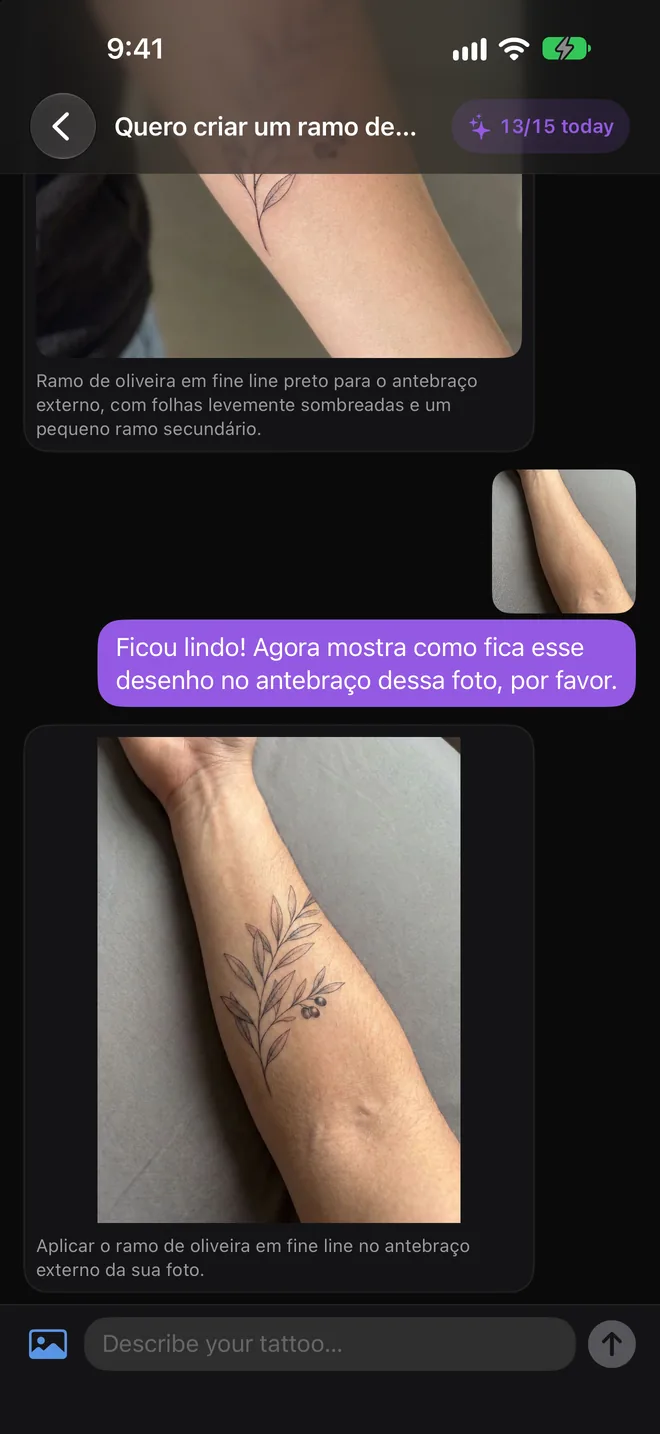
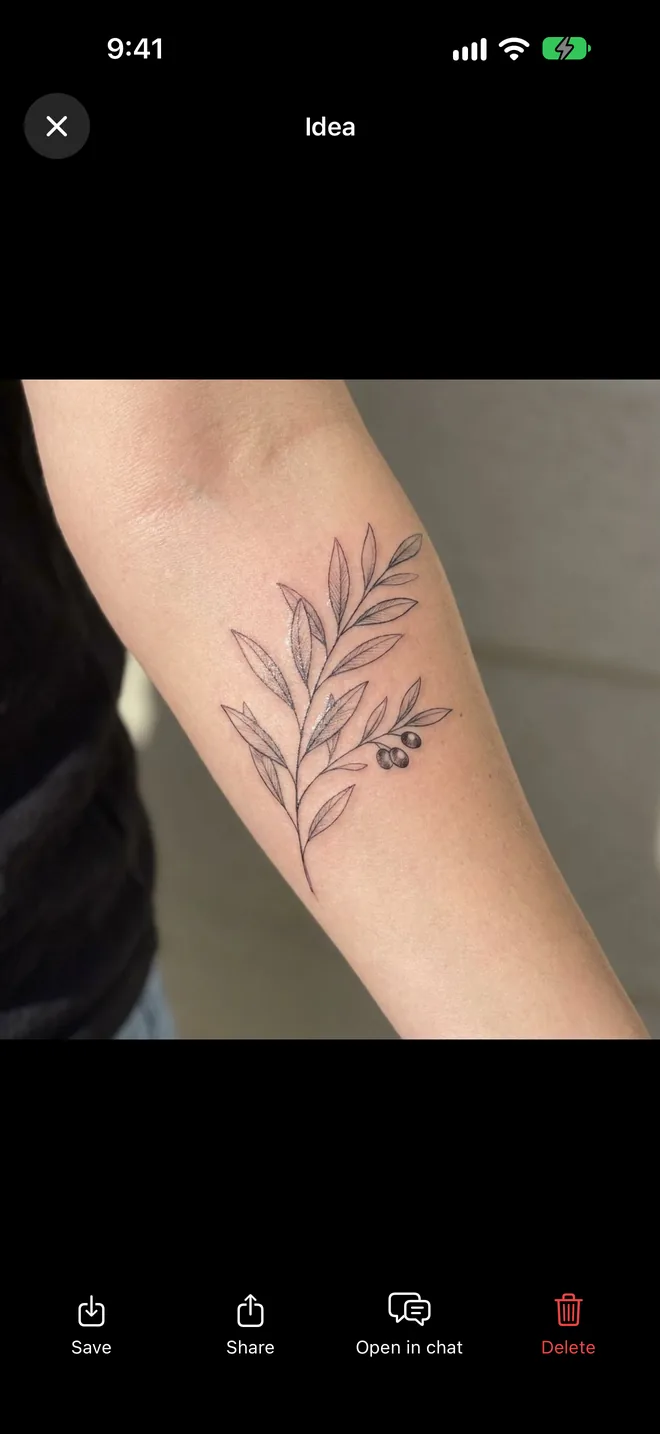
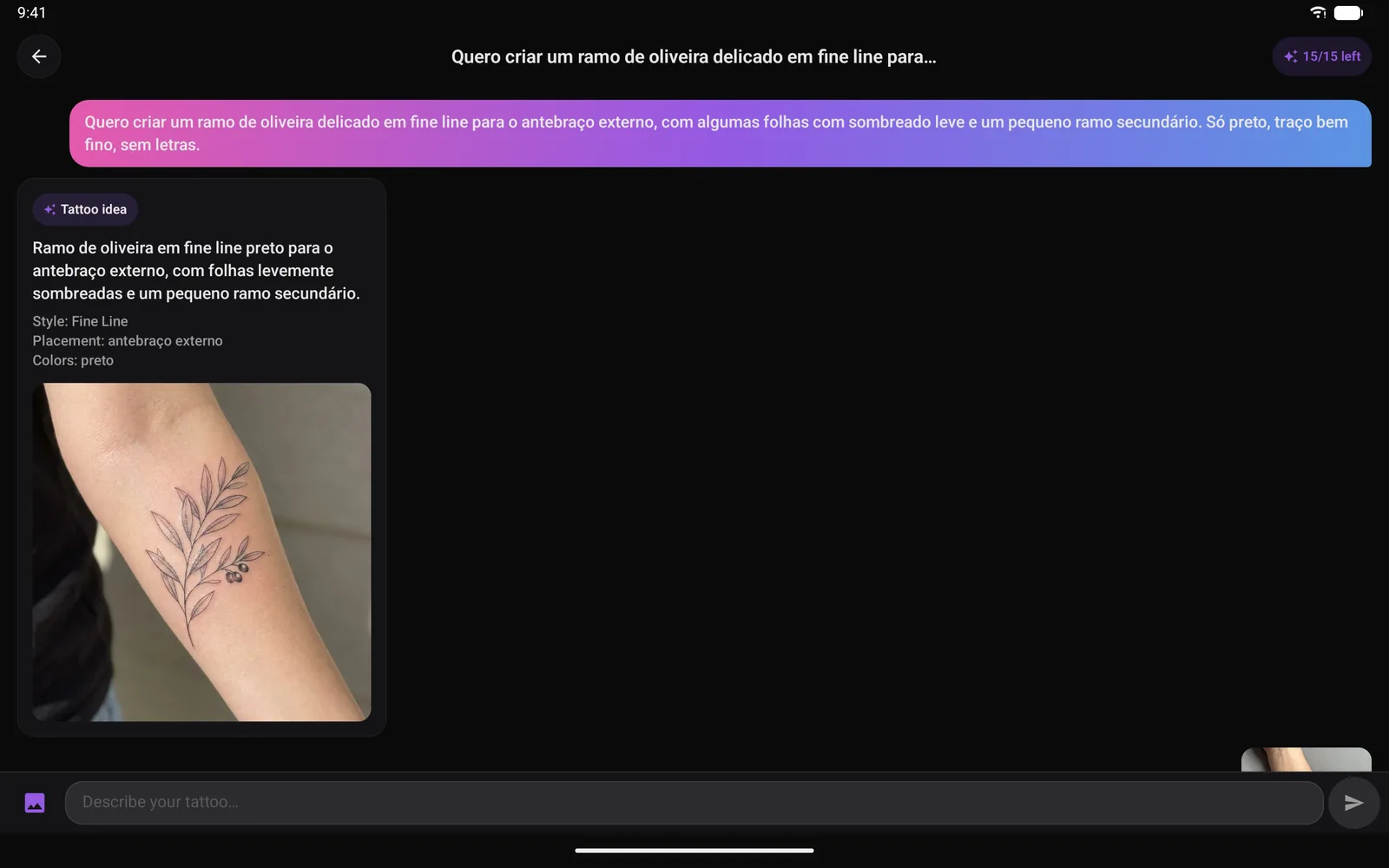
Write what you want, the subject, the style, the placement and the mood, or attach a reference photo. Ink Create suggests a design and nothing is generated until you say so.
Send a photo of your forearm, wrist or back and Ink Create shows the design as a mockup on your own skin, so you know the size and placement feel right.
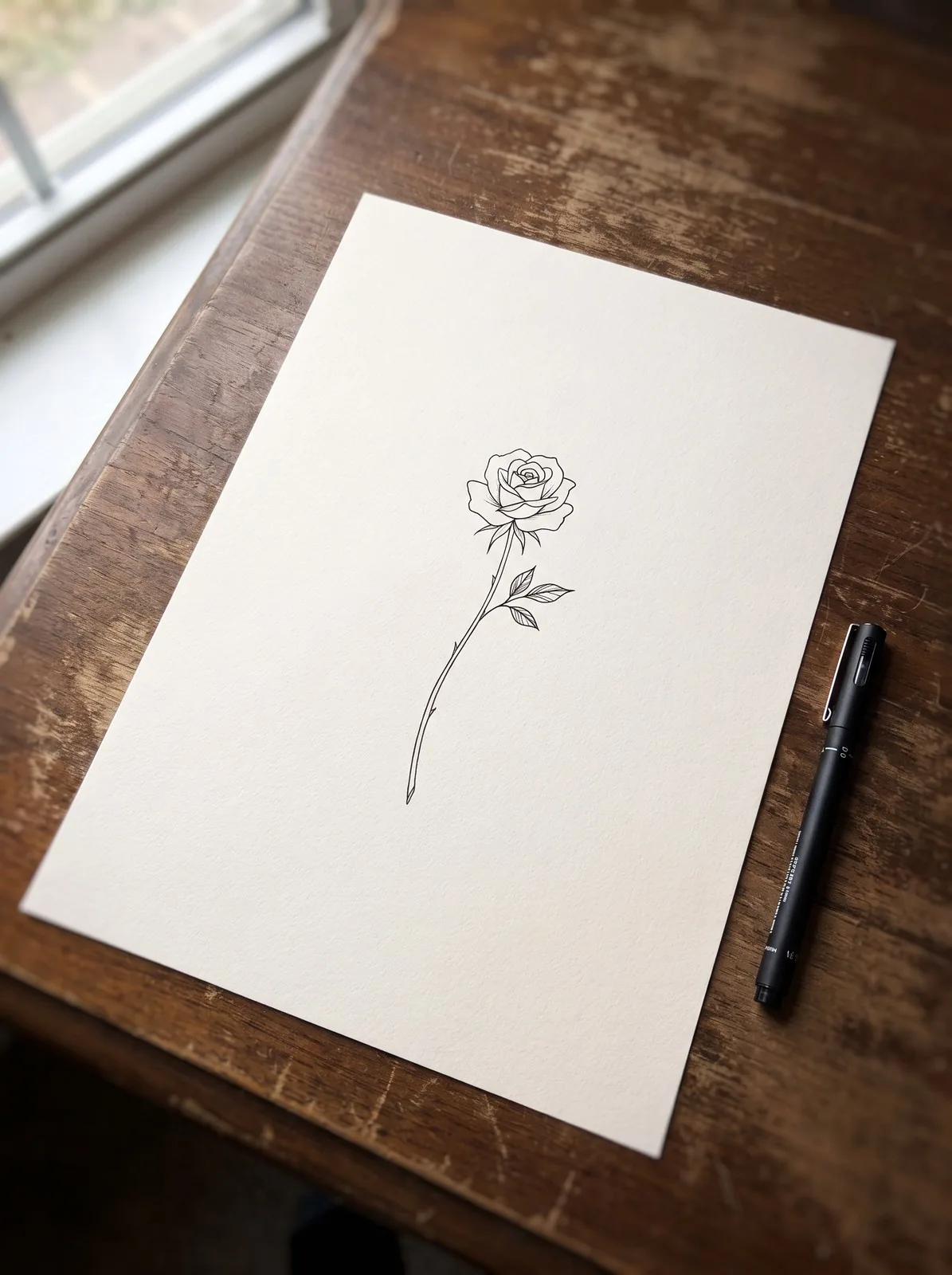
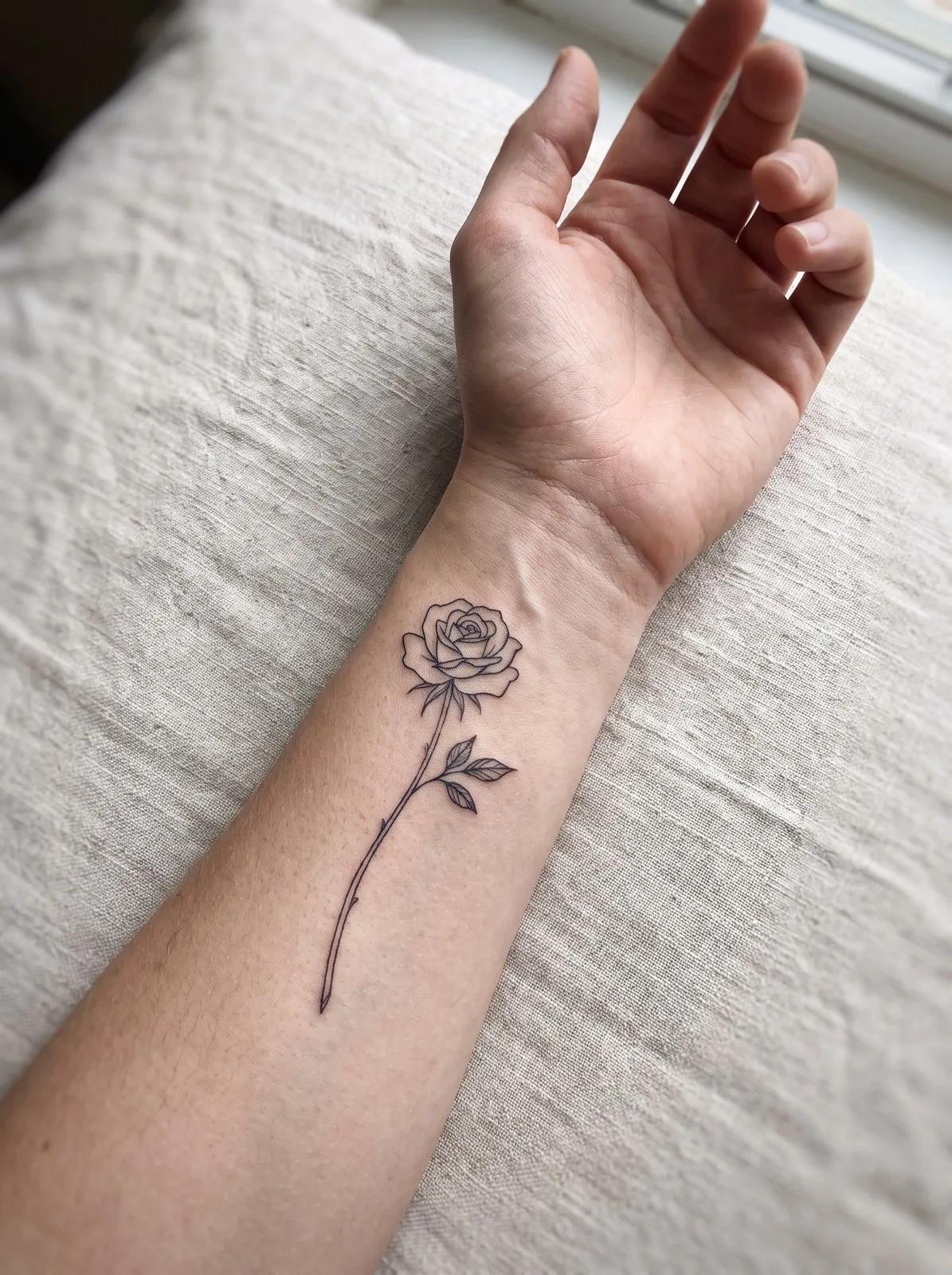
For artists, Ink Create turns the approved design into clean linework to prepare the stencil, saving time tracing by hand before the session.
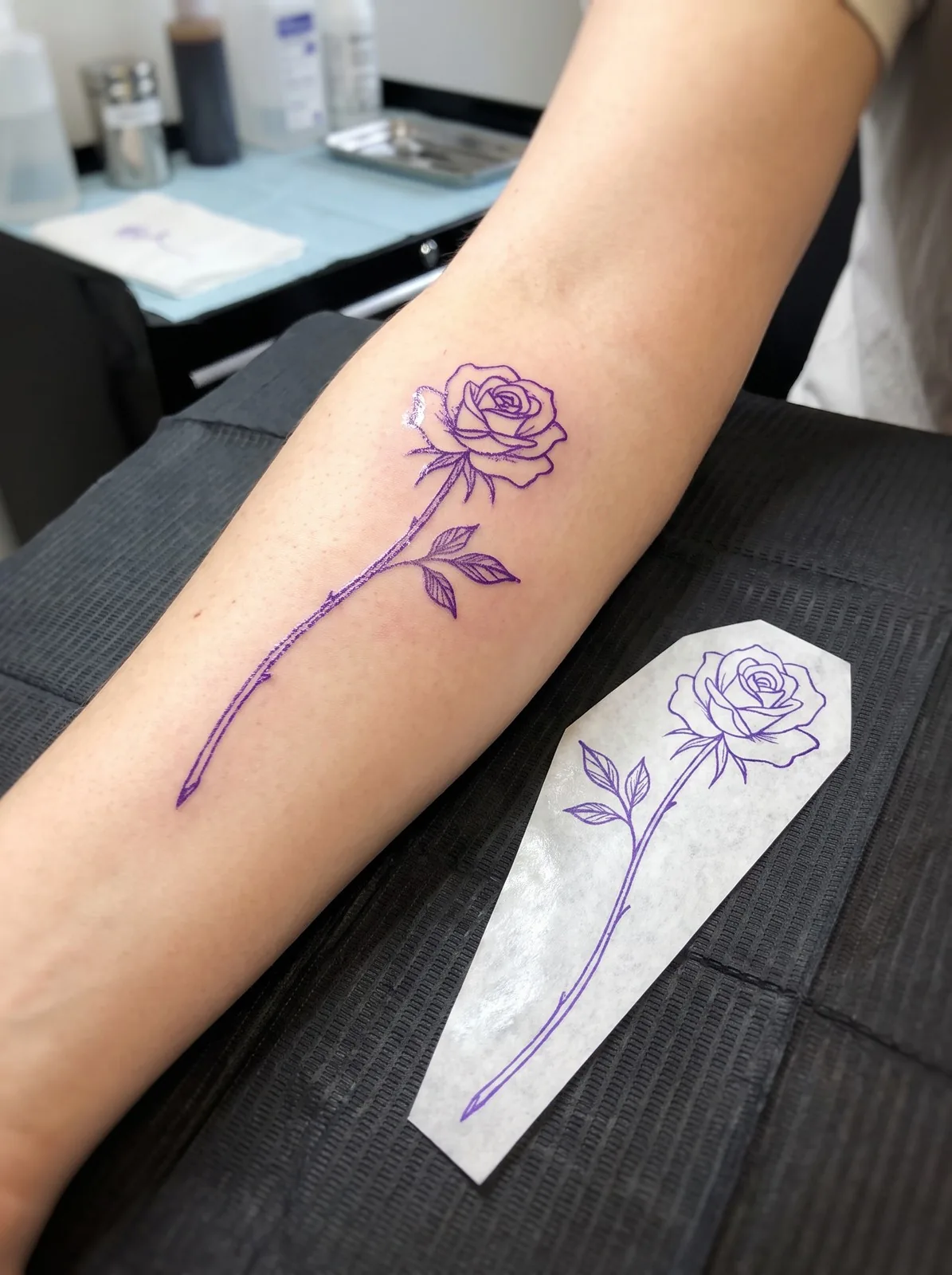
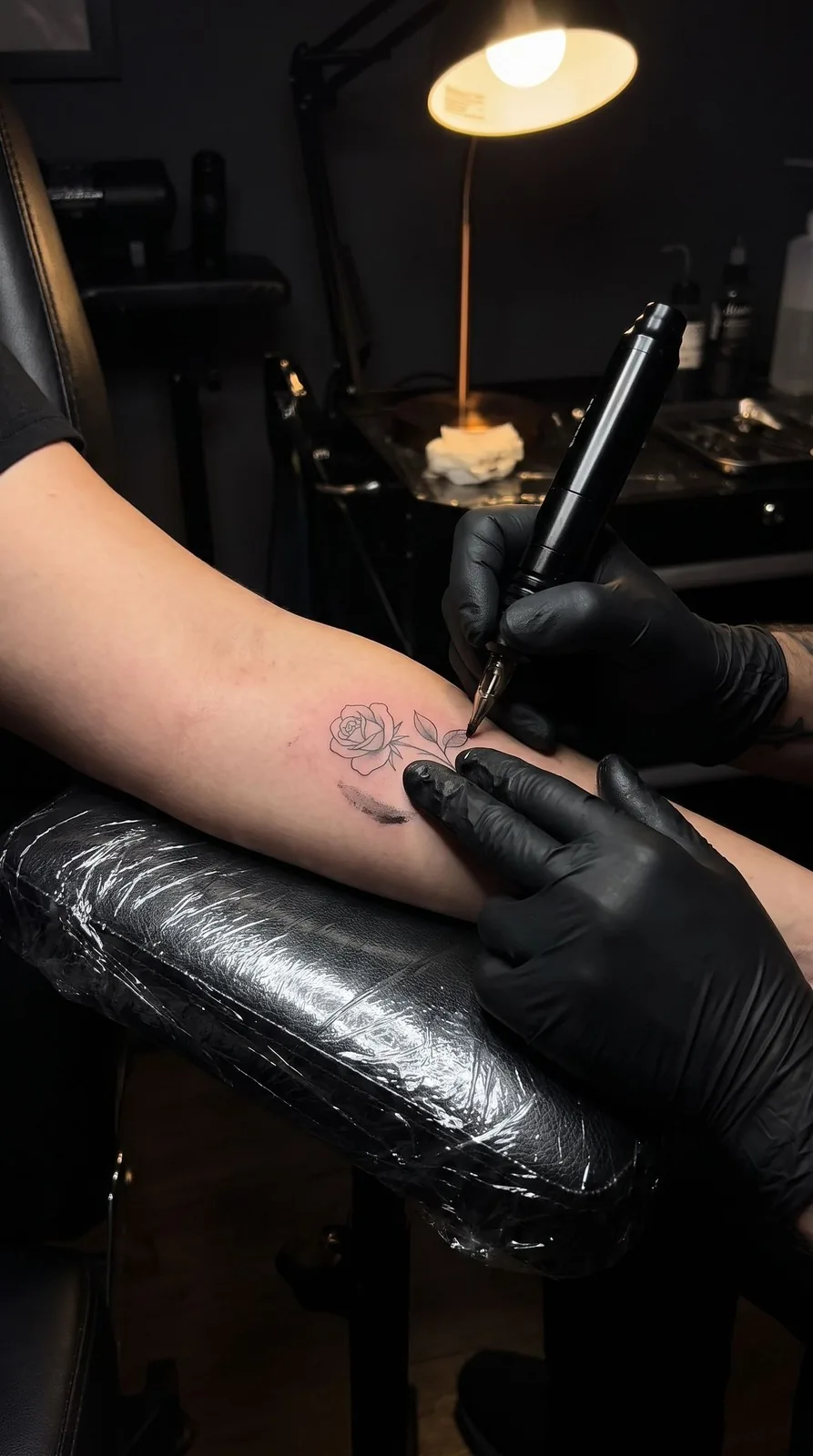
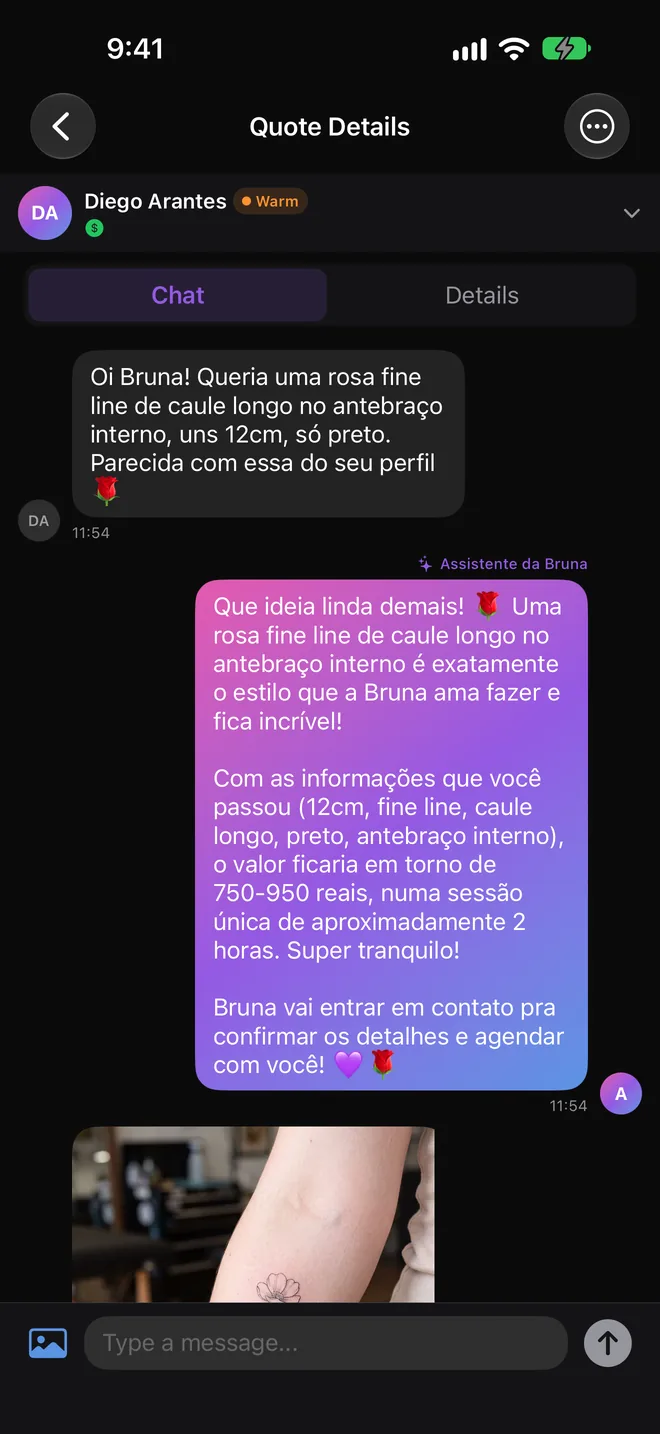
Liked the result? Find an artist who works in that style and request a quote with the design as a reference. The artist sees exactly what you have in mind.
Write your idea or start from one of the suggestions.
Review the suggestion and tap Generate when it looks right.
Add a photo of the area and get the mockup on your skin.
Request a quote with the design as your reference.
Ink Create is Ink-y's design assistant. You describe a tattoo idea in a chat and it creates a design, shows it as a mockup on your body and, for artists, prepares a stencil.
Yes, you get free generations every day. The Black plan gives you more designs per day, with a 14-day free trial and no card required.
Attach a clear photo of the area where you want the tattoo and ask to see the design there. Ink Create places it on your photo so you can judge size and placement.
Use it as a starting point. Take the design to an artist, who will adapt it to your body and to their style. The final artwork and the tattoo are always the artist's work.
Stencils are made for artists preparing a session. Clients can create ideas and mockups.
On iPhone, iPad, Android and the web. Ink Create is in beta and keeps improving with feedback from artists and clients.
Describe your idea and see it on your skin in minutes.