
Tell Ink-y the tattoo you have in mind, in your own words. Smart search reads the idea, the style and the placement, and shows the tattoos, artists and studios that match.


iPhone, iPad, Android and web
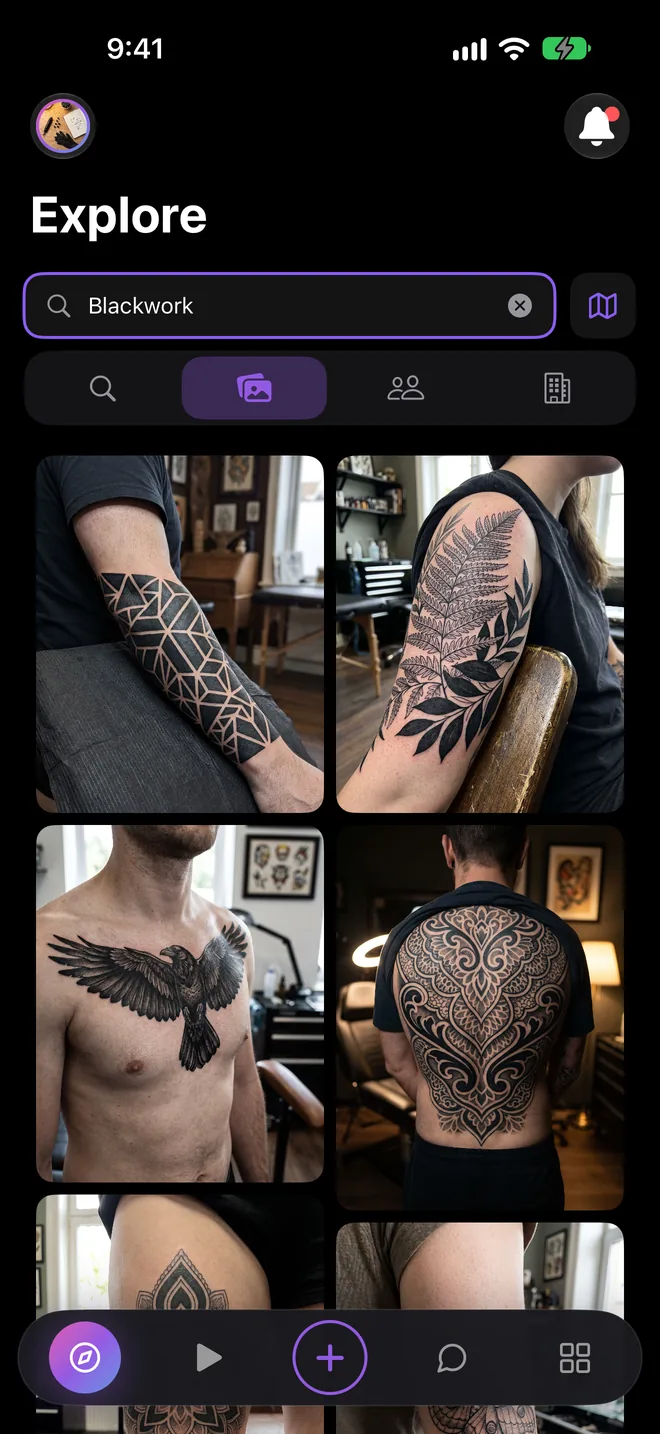
No need to know the right term. Write something like a geometric blackwork sleeve on the forearm and smart search understands the subject, the style and where it goes.
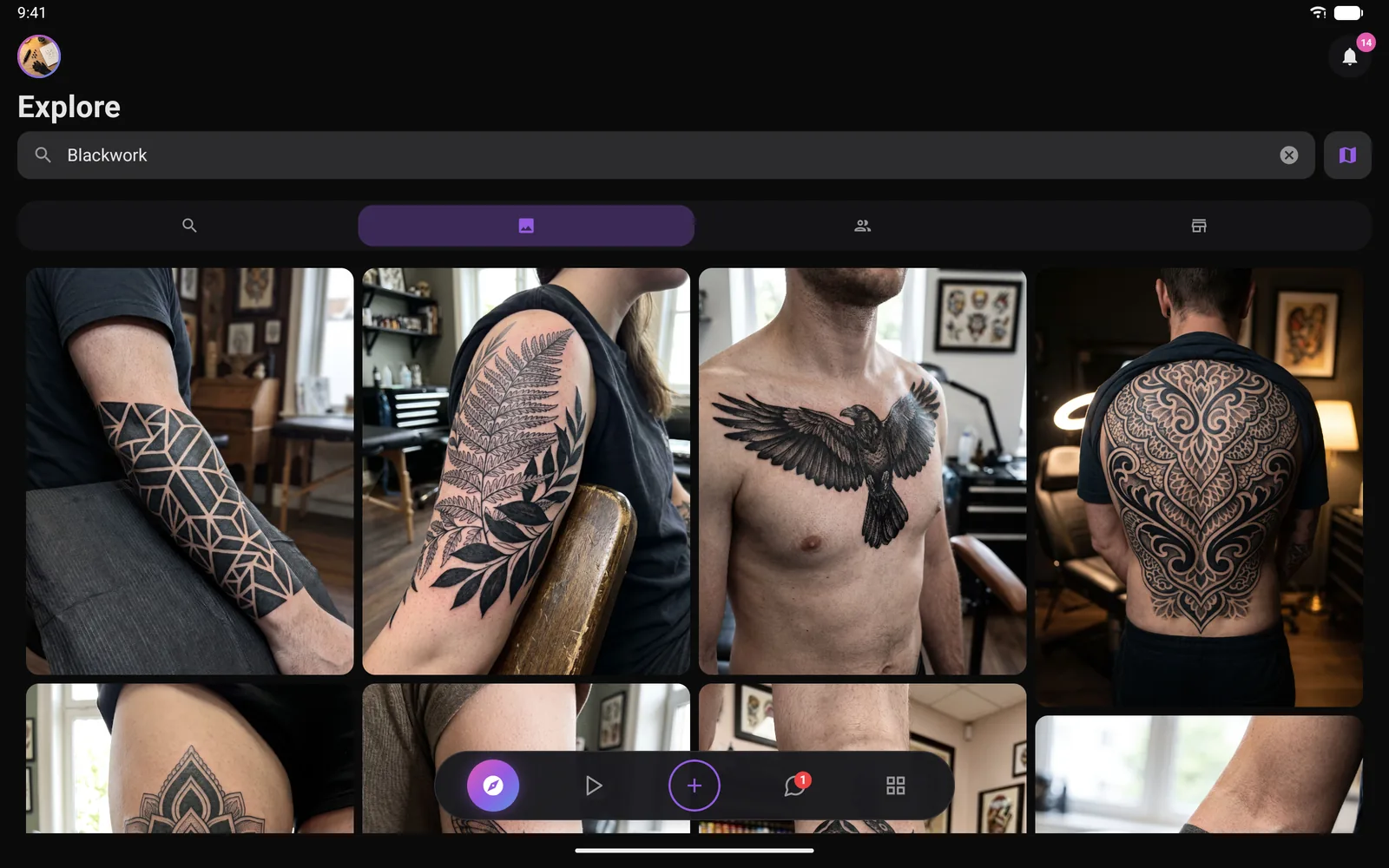
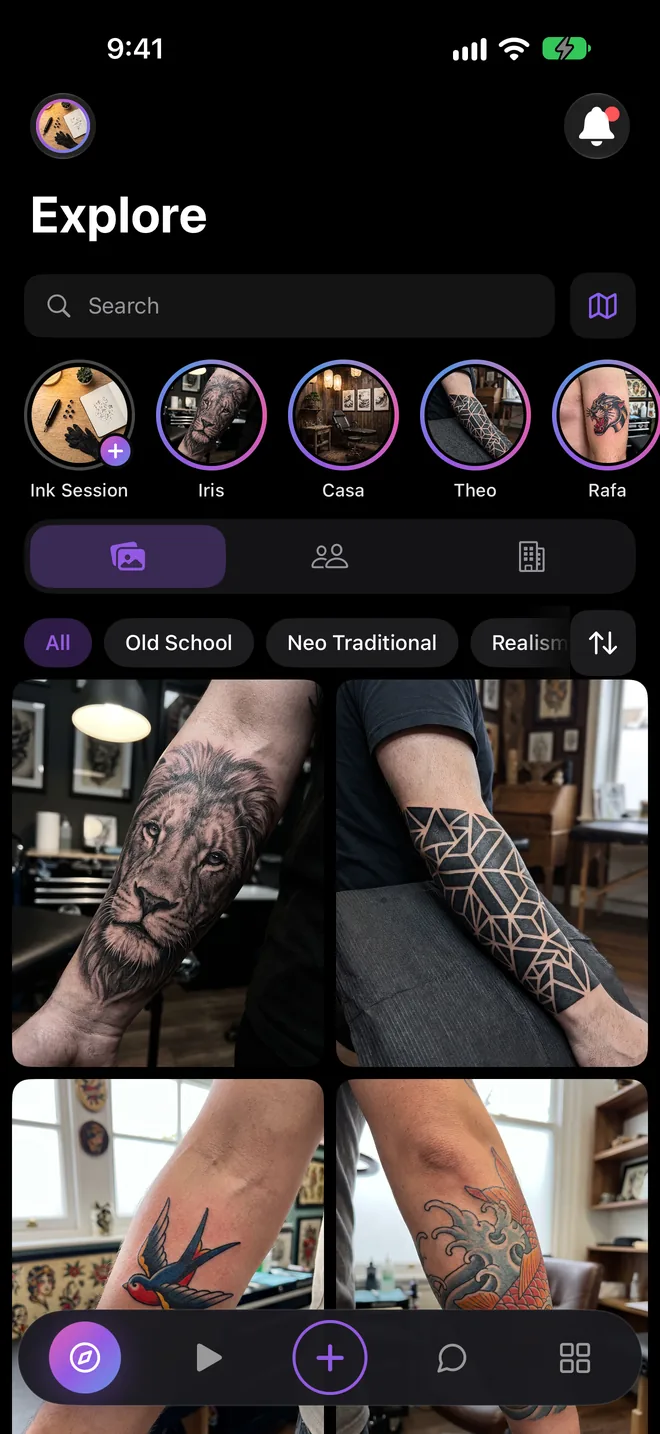
Prefer to browse? Pick a style like Fine Line, Blackwork, Old School or Realism and see real work from the artists who specialise in it.
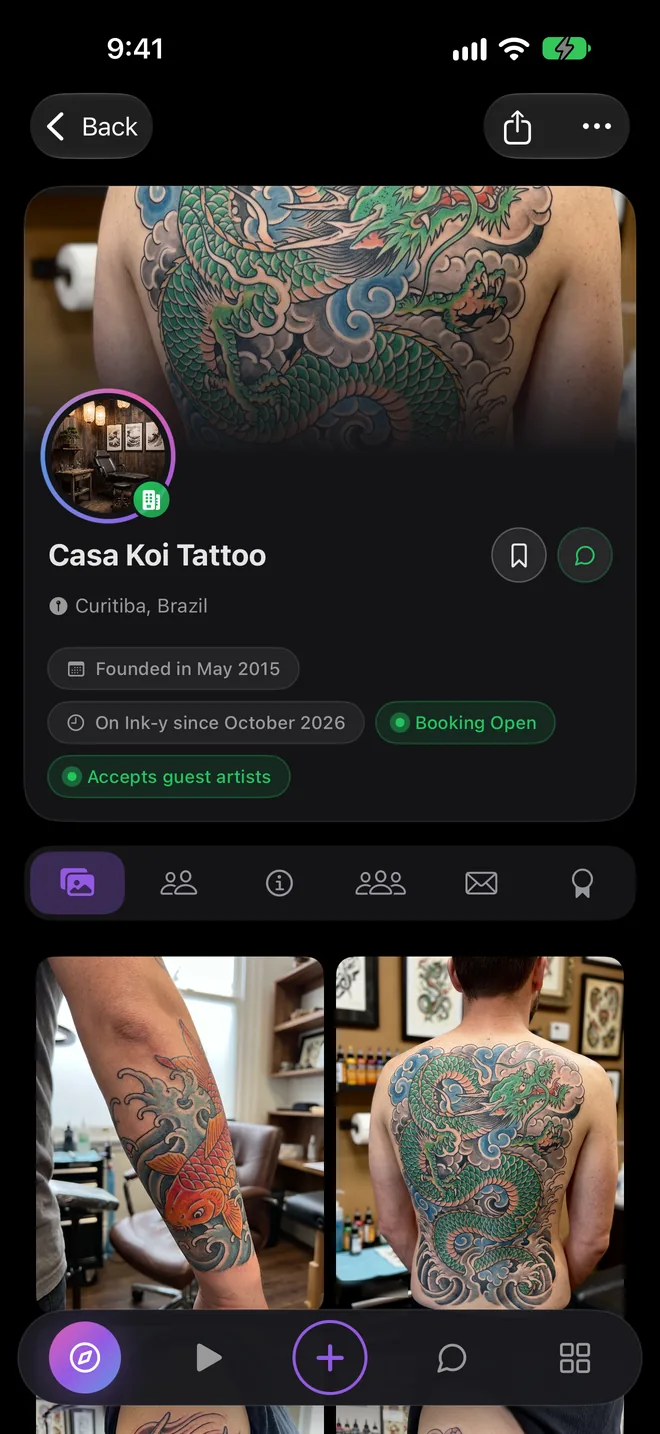
Every result leads to a real portfolio. See how an artist handles linework, shading and colour before you send a single message.
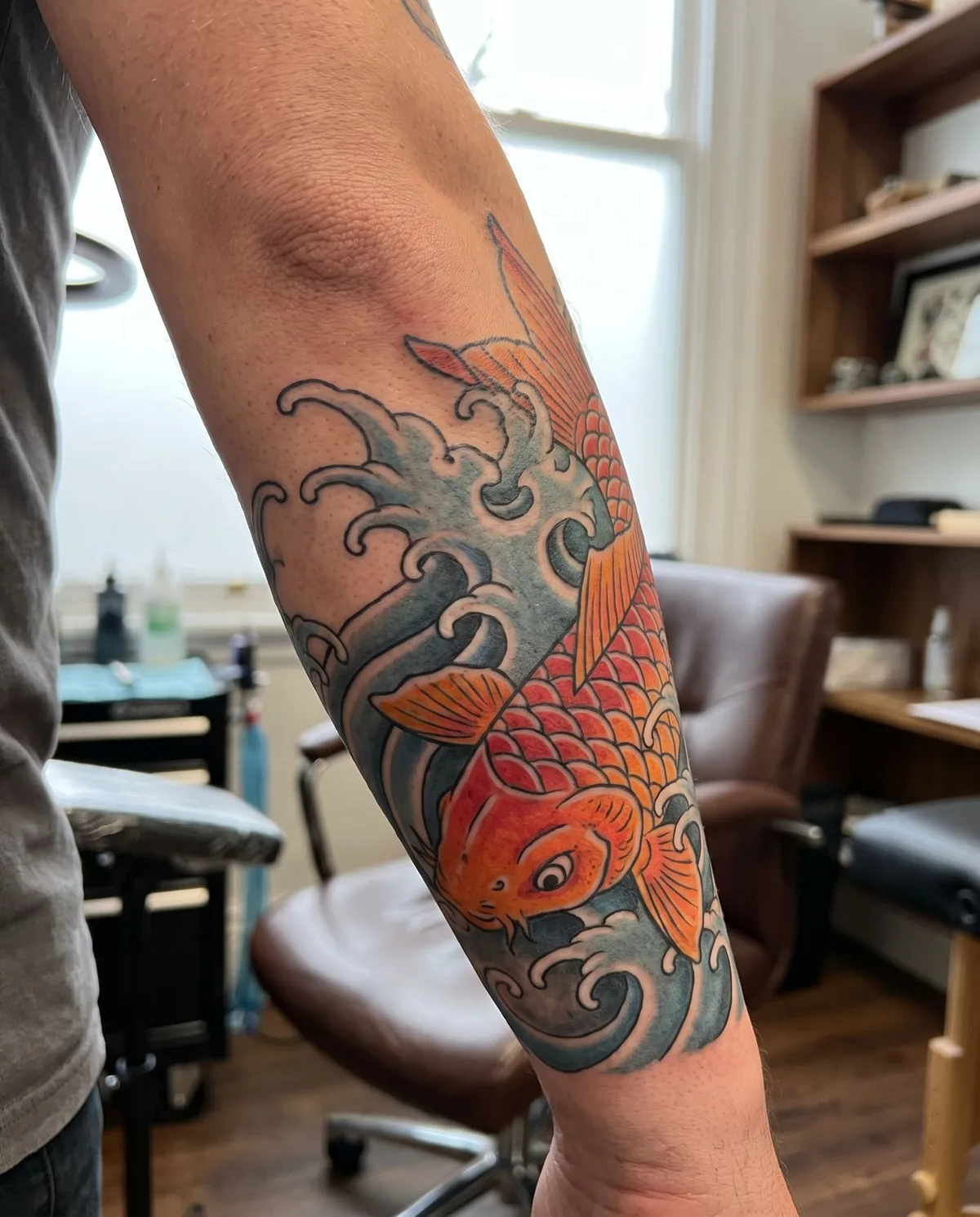
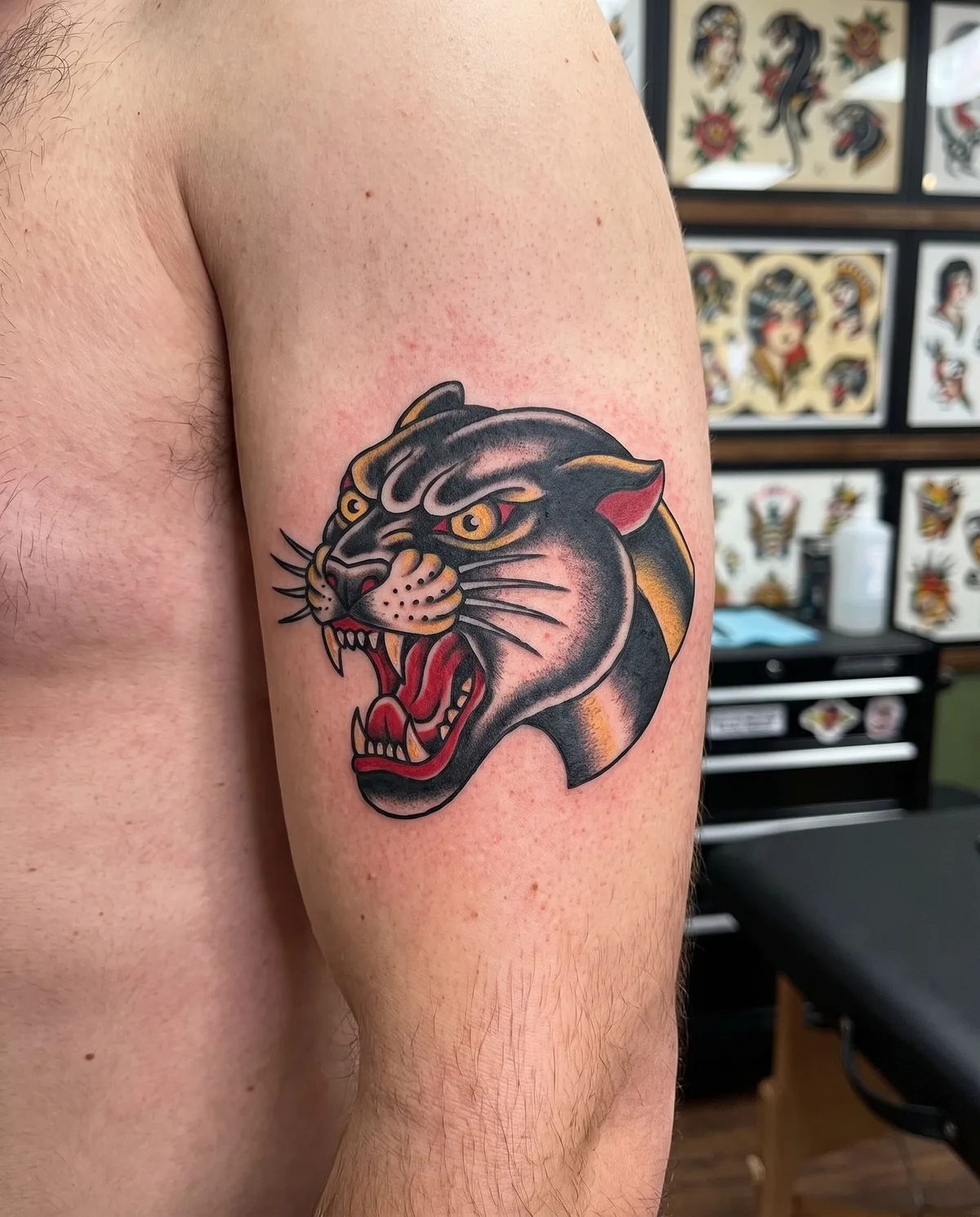
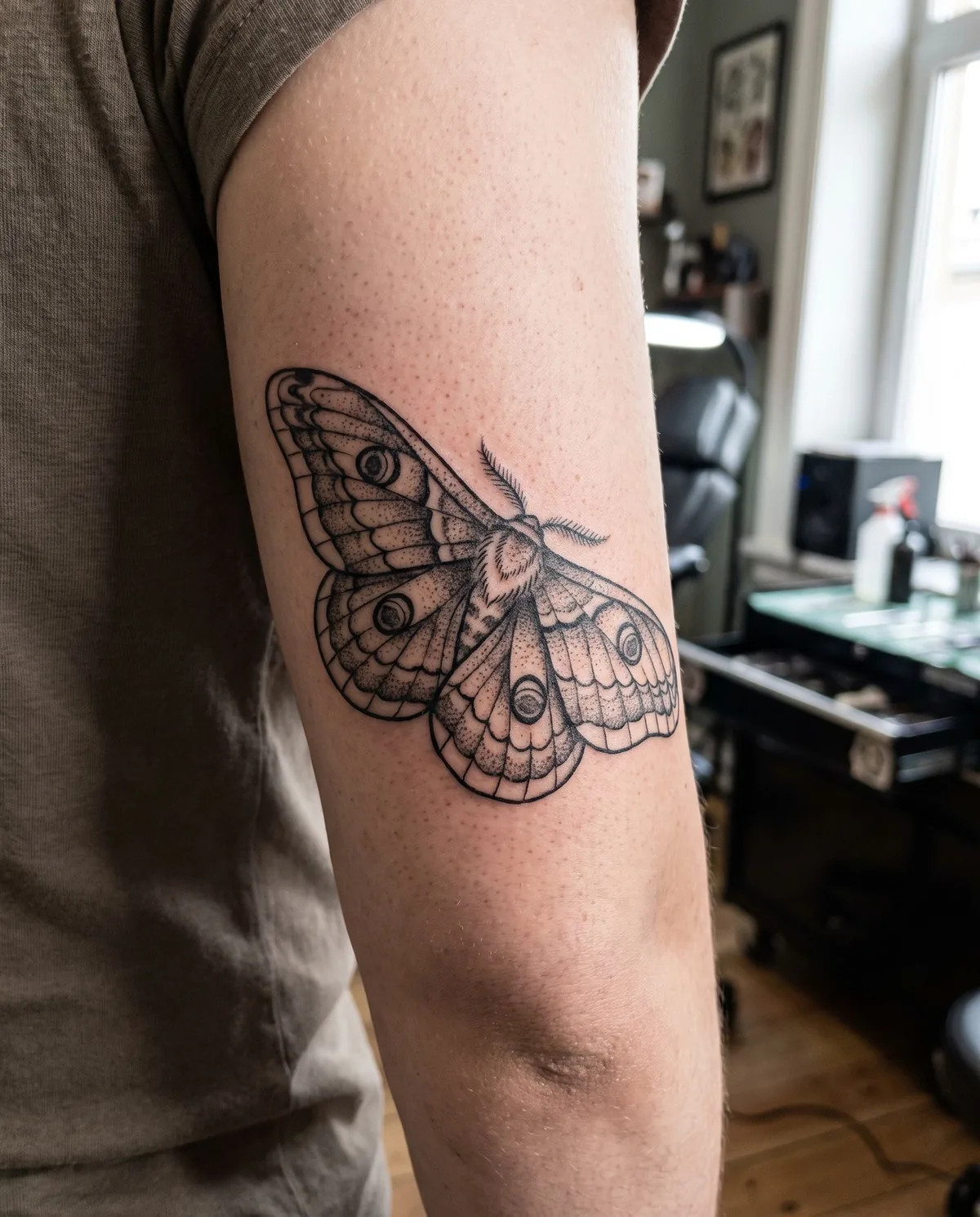
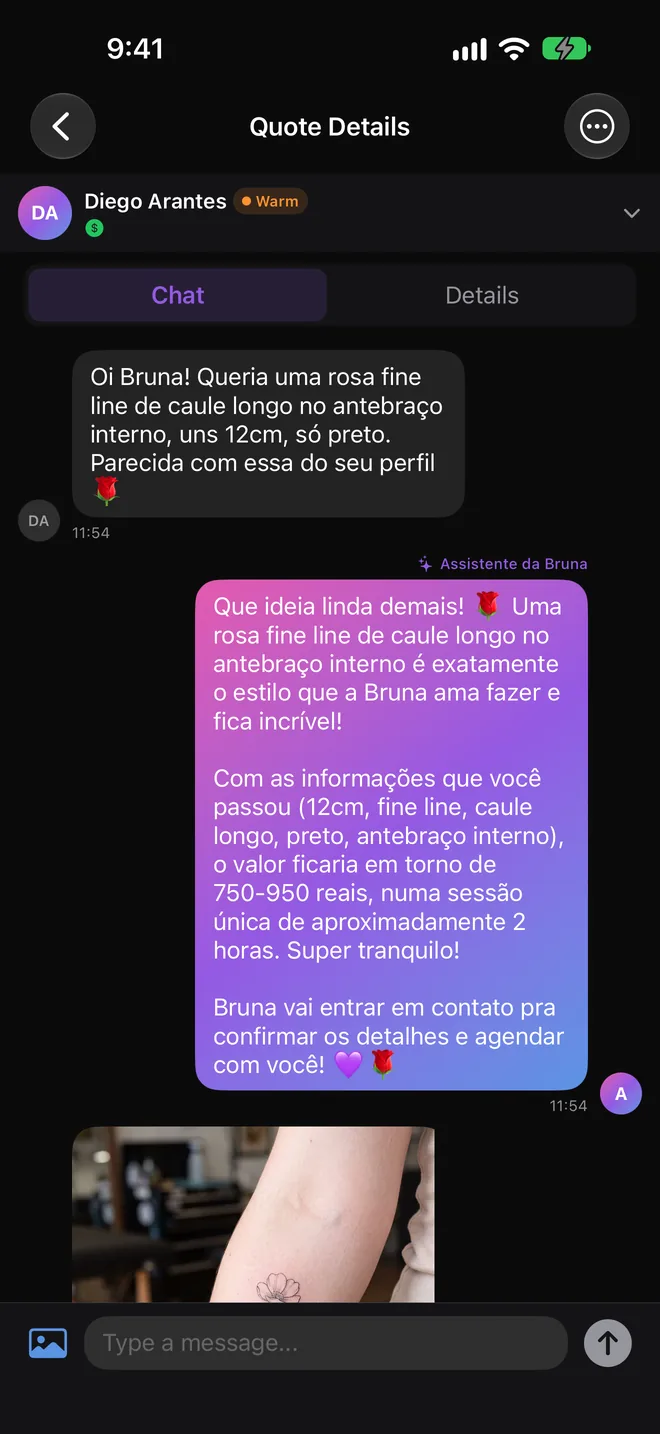
Found the one? Request a quote from the profile with your idea, size, placement and references, and follow the whole conversation in the app.
Write the idea the way you would explain it to a friend.
Filter by style, placement, availability and budget, or switch to the map.
See each artist's real work and whether they are booking.
Send your idea with references and agree the details in the chat.
You describe the tattoo you want and smart search understands the subject, the style and the placement, then returns matching tattoos, artists and studios from Ink-y.
Yes. Smart search is free with an Ink-y account, with a daily limit of searches.
Yes. Name the style in your description or use the style filters on Explore, from Fine Line and Blackwork to Old School, Realism, Neo Traditional and more.
Yes. Filter results by location or switch to the map view to see artists and studios near you.
Open their profile, check the portfolio and request a quote. Your idea, size, placement and references go with the request.
Describe the tattoo you want and meet the artists who can make it real.