
Every session, its client and its placement in one calendar made for tattooing. Sync both ways with Google Calendar so you never book on top of a commitment again.


iPhone, iPad, Android and web
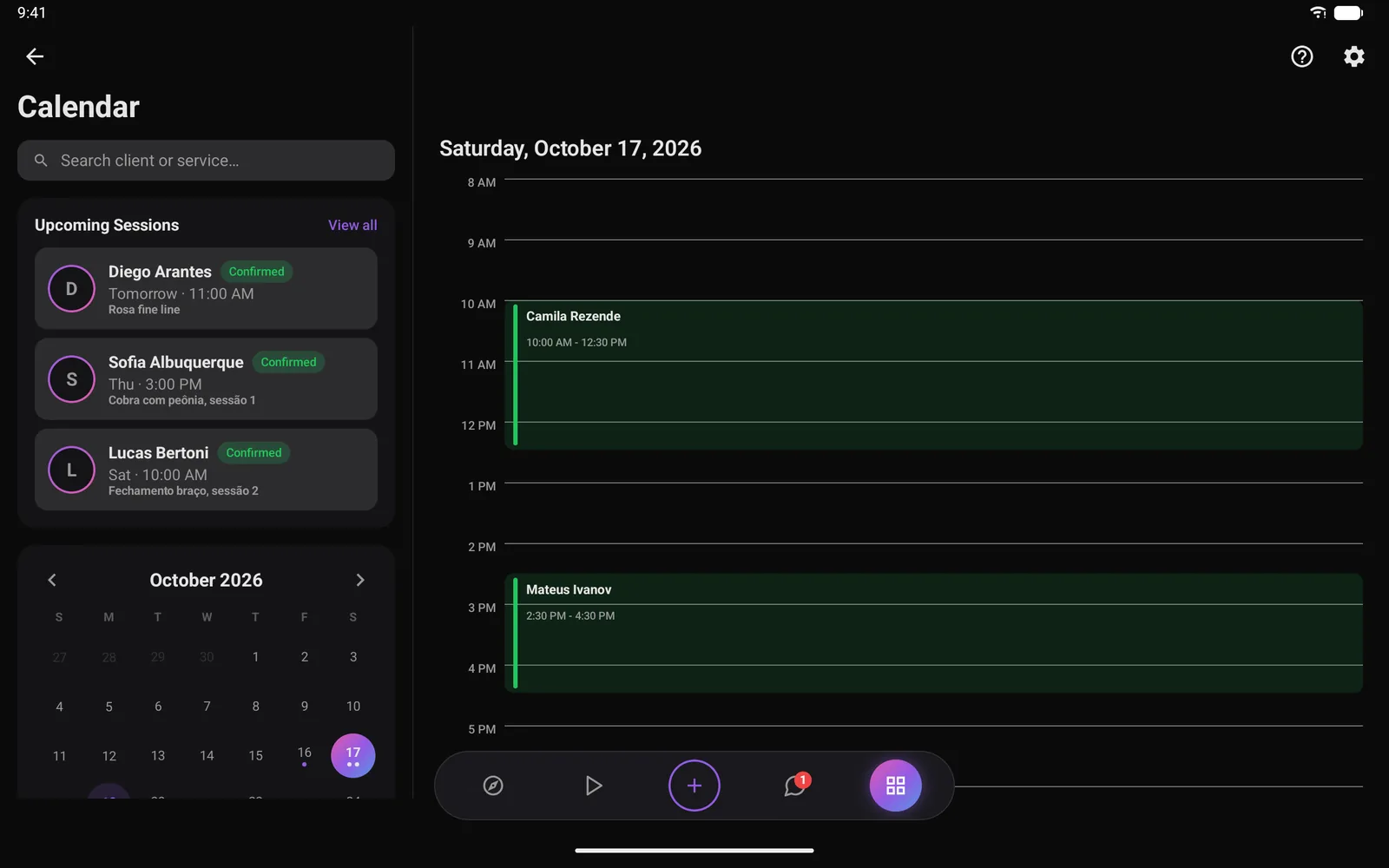
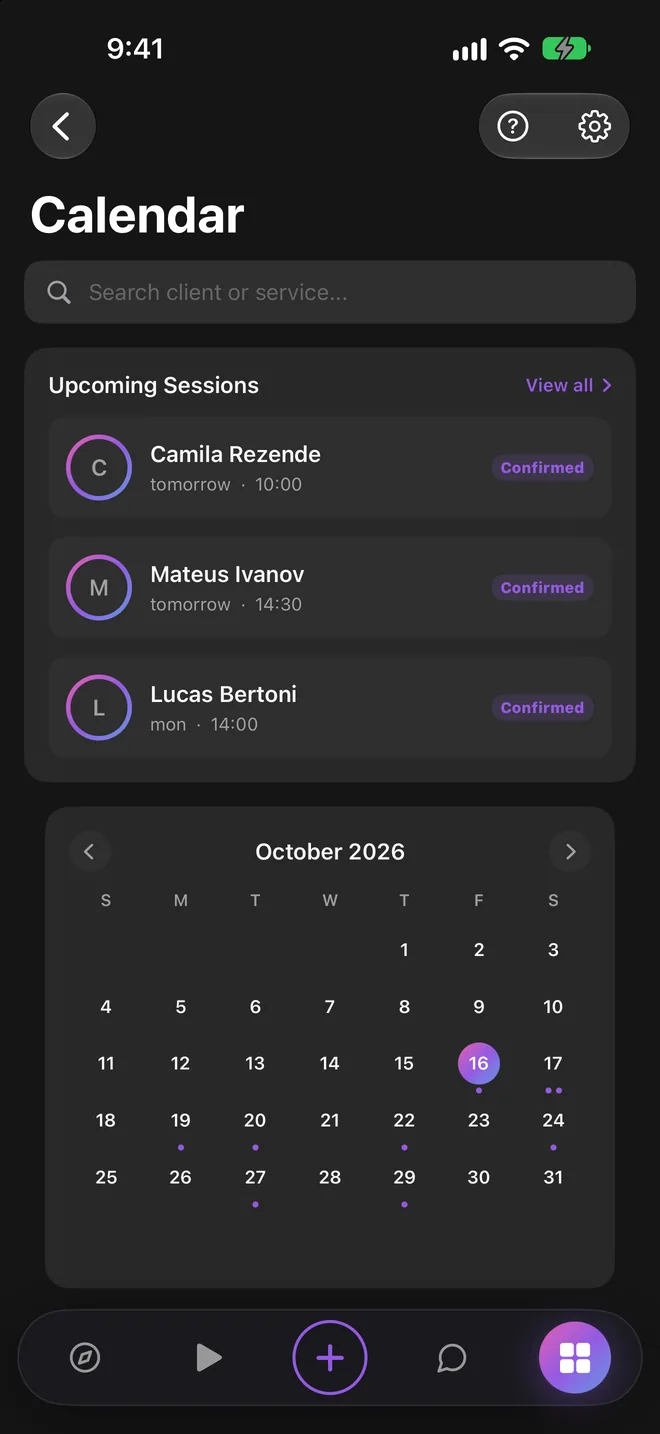
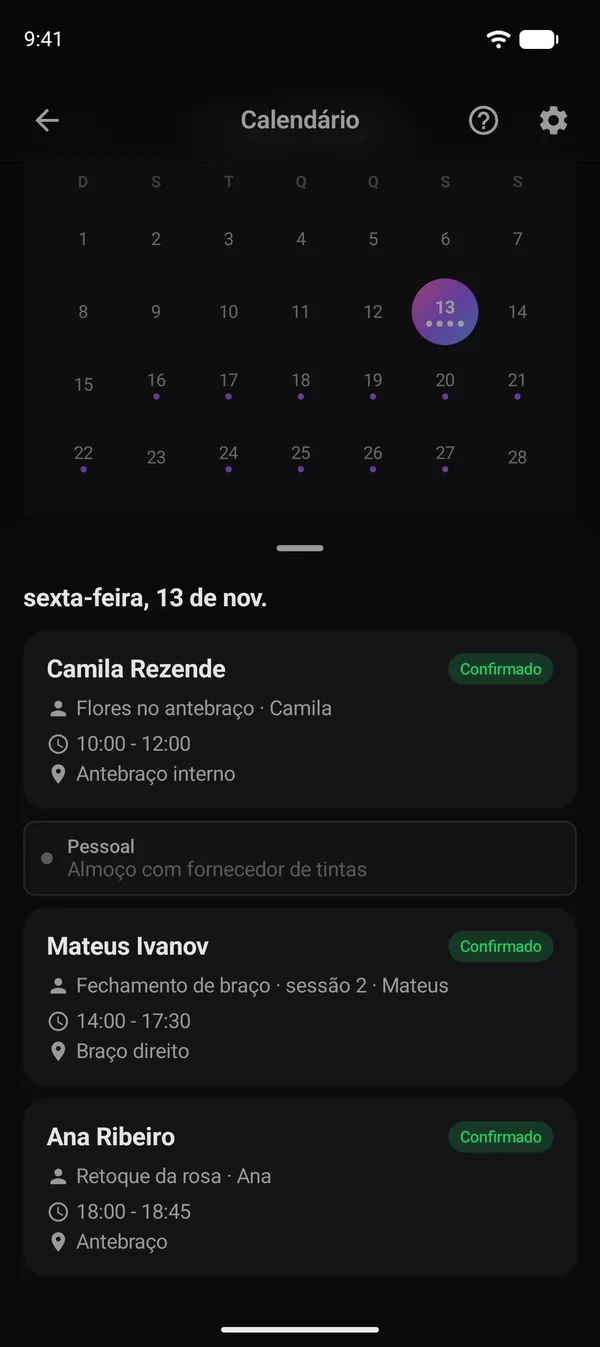
Busy days are marked on the month grid and your next sessions sit right underneath, each with the client, the time, the piece and its status.
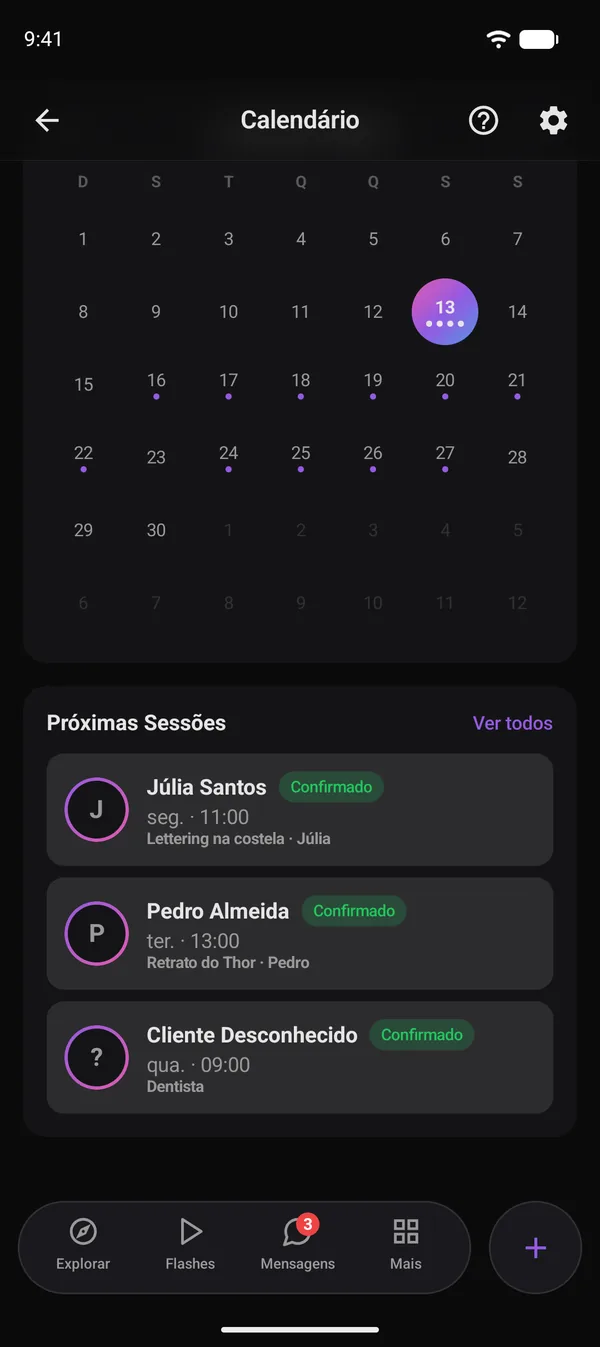
Open a day to see each session with its client, time and placement, next to the personal events that come in from Google Calendar.
Connect your Google account and pick the calendar to use. Sessions booked in Ink-y go to Google, and your Google events come back to Ink-y.
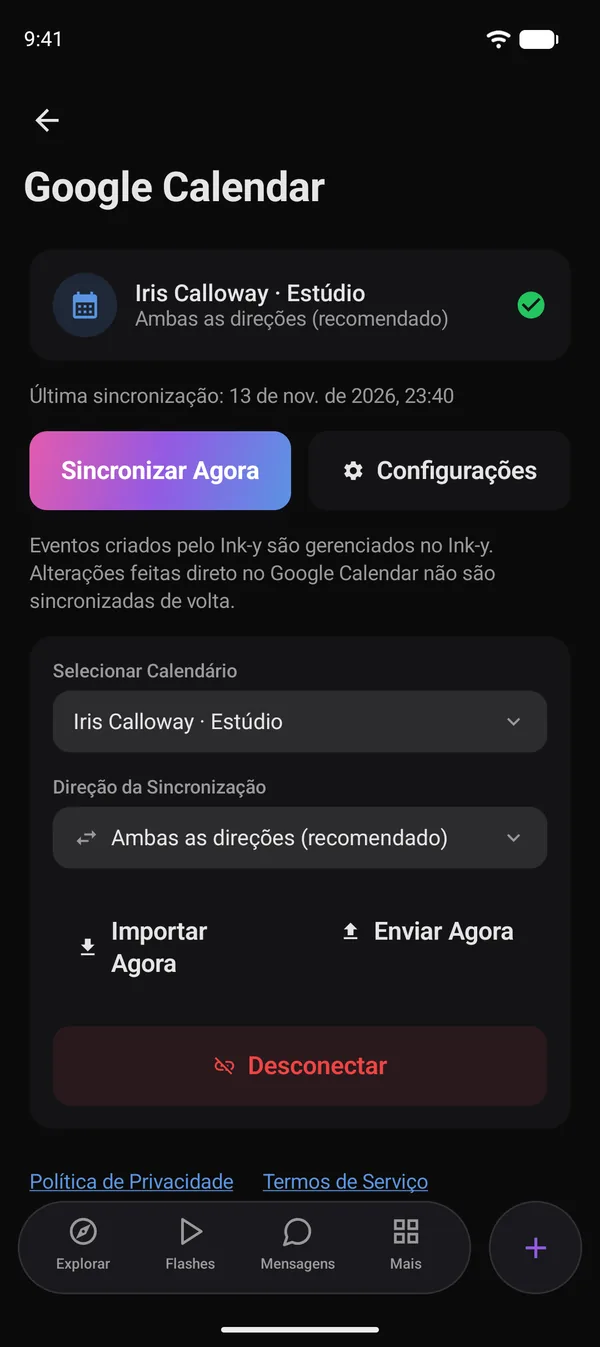
When a client accepts your offer and the date in the quote chat, the session is created on your calendar, already linked to the client.
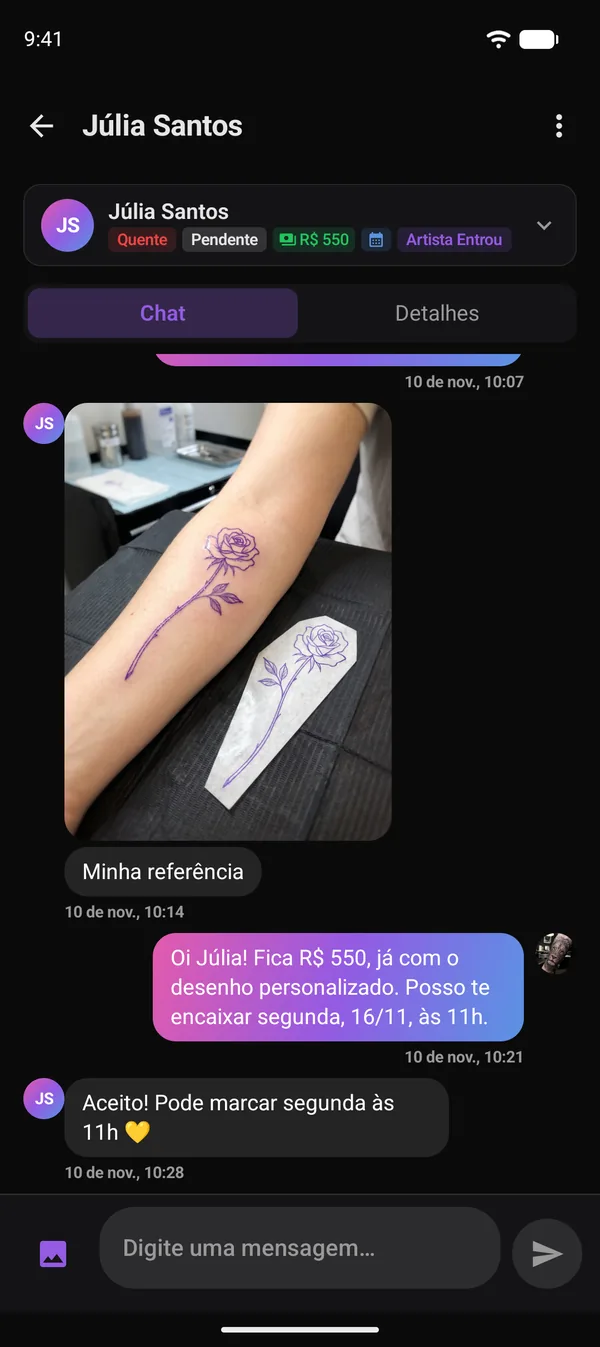
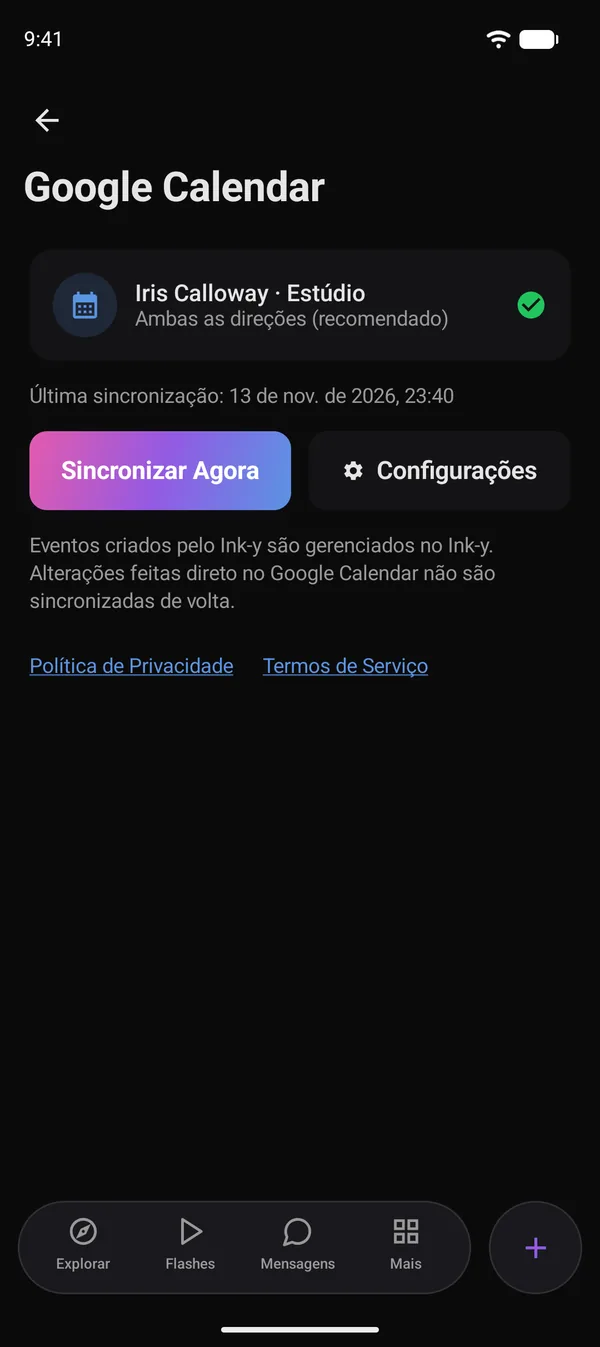
In settings, sign in with Google, pick a calendar and choose the sync direction.
The client accepts the price and the date right in the chat.
The session shows up in Ink-y and in Google Calendar, on every device.
The calendar is part of the Black plan, together with clients, Instagram DMs, earnings and the smart assistant. You can try Black free for 14 days, with no card required.
It is a real two-way sync. Sessions booked in Ink-y appear in your Google Calendar, and events you add in Google show up in Ink-y. New, changed and cancelled events update in the background.
Yes. Choose both directions, Ink-y to Google only, or Google to Ink-y only, and change it whenever you want.
It is used only to keep your calendars in sync. It is never used for advertising and never sold, and you can disconnect at any time.
Yes. The calendar works on iPhone, iPad, Android and the web, and stays the same on every device.
Connect Google Calendar in a minute and see your sessions and your life in one place.